
Combine Twitch, TikTok, YouTube, and Kick chat
Learn how to create your first Chat Feed, link your platforms, and put your combined chat into OBS as a dock or on-screen overlay.
sleepychat guides
These guides walk through the main parts of SleepyChat in plain language, from combining chats to building overlays, alerts, and animation. Start with the guide that matches what you are trying to set up right now.
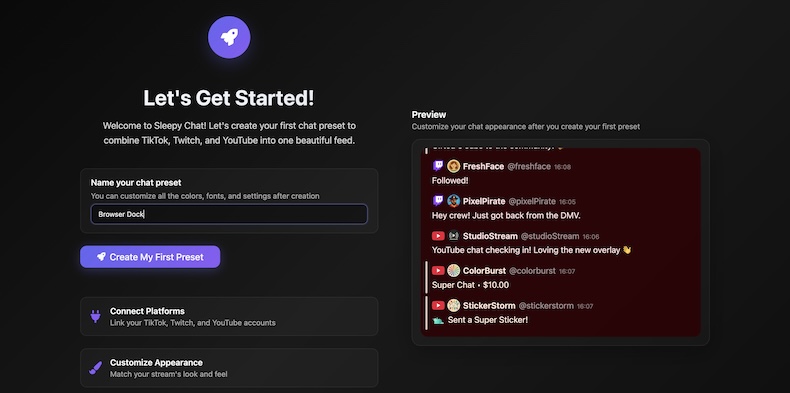
Learn how to create your first Chat Feed, link your platforms, and put your combined chat into OBS as a dock or on-screen overlay.
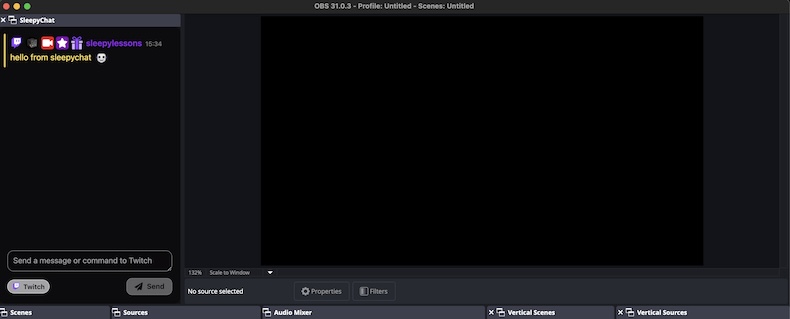
Learn how to run SleepyChat as an OBS browser dock for yourself or a browser source overlay for viewers without rebuilding your chat setup from scratch.
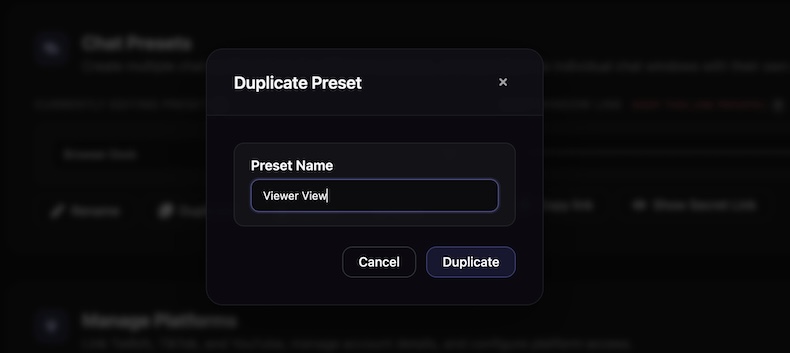
Learn what Widgets and Overlays are, how they work together, and how to build your first alert or layout and add it to OBS.
Learn how to use the Animate tab, the timeline, and keyframes so your alerts move clearly and feel polished instead of abruptly appearing on screen.
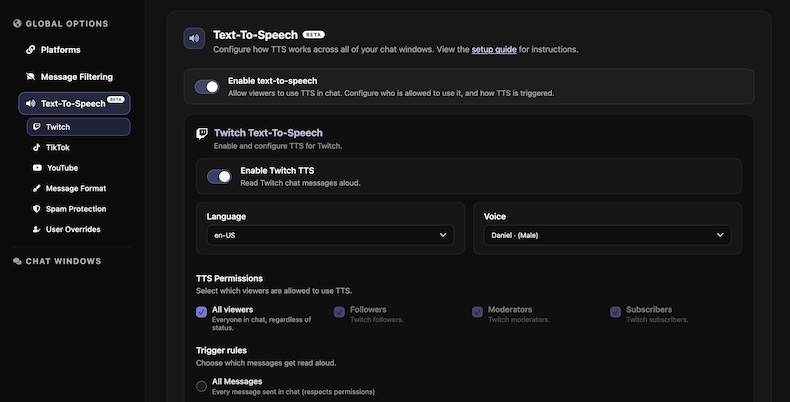
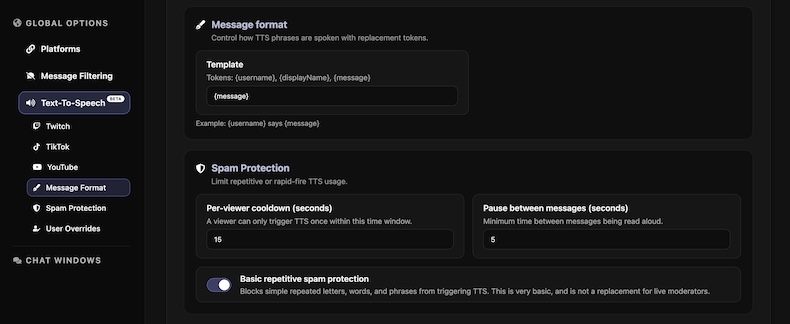
Learn how to enable TTS across Twitch, TikTok, YouTube, and Kick, choose voices, set trigger rules, and control how TTS behaves during your streams.